
1. Core Workflow
Create a Task
- Select a customer list and create a task.
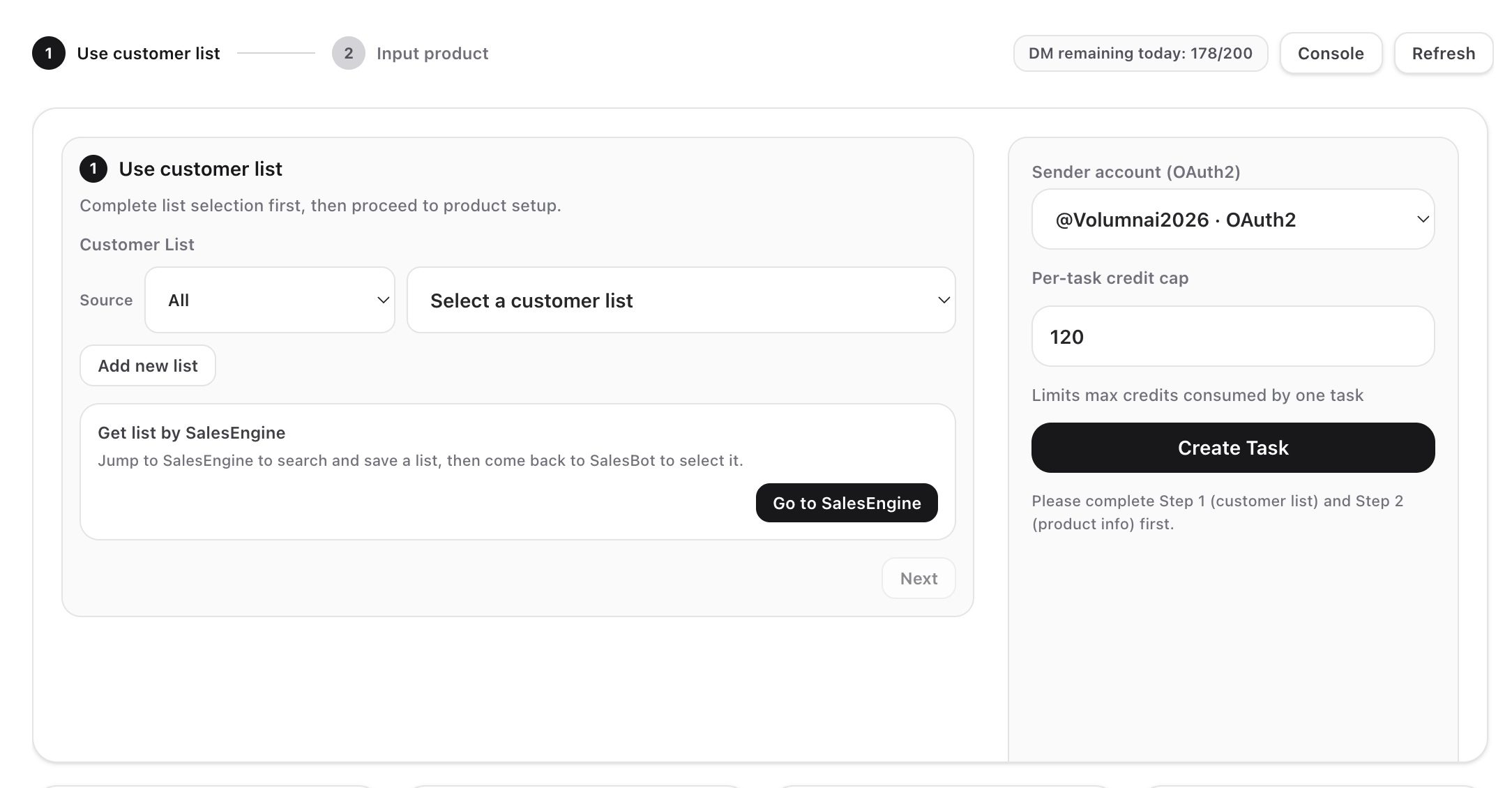
- After the first round is sent, it enters the outreach stage (reached customers).
- After the user replies, the system marks them as eligible for the second round.
- After the second round is sent, it enters the follow-up stage (followed up).
View SalesBot Task Status
2. Reach / Follow-up Definitions
We define “reach” and “follow-up” based on common sales scenarios and provide built-in metrics.
- The first round is called reach.
- A user is marked as:
- Reached
- Needs follow-up only after they reply to our first-round message.
- The second round is called follow-up:
- After we complete the second-round reply, the user is marked as Followed up.
3. Metric Definitions
- Current task total replies: size of the current task list (target users for outreach).
- Current task reached: deduplicated users in the current task who were sent DMs successfully.
- Follow-ups: users who entered and completed the follow-up stage in the current task.
- Total reached / Total follow-ups: cumulative stats across all tasks under the account.
4. Sending Limits
To protect account safety and comply with platform limits, SalesBot and AutoDM share the following limits:- Maximum 1 DM per minute;
- Maximum 200 DMs per 24 hours. ⚠️Advice:
- (1)Even so, we still recommend that you do not run SalesBot continuously for more than 18 hours, in response to Twitter’s increasingly stringent technical supervision.
- (2)If you are concerned, we suggest you first test it on accounts with fewer than 500 followers.
- (3)If you send illegal content in DMs or your product contains illegal content, your account may still be banned. We will not be held responsible in this case. Please be aware.